

FlipView
A FlipView shows one item at a time, such as images or sections, and lets users flip through them with the buttons, swipes, the mouse wheel or the keyboard.


Usage
<script>
  import { FlipView } from 'fluentui-svelte';
</script>

<FlipView aria-label="Landscapes" style="height: 14rem;">
  <img src="/one.jpg" alt="One" />
  <img src="/two.jpg" alt="Two" />
  <img src="/three.jpg" alt="Three" />
</FlipView>
Orientation
orientation flips the items horizontally (default) or vertically.


horizontalverticalAny content
Each direct child is an item: images, videos or whole sections.
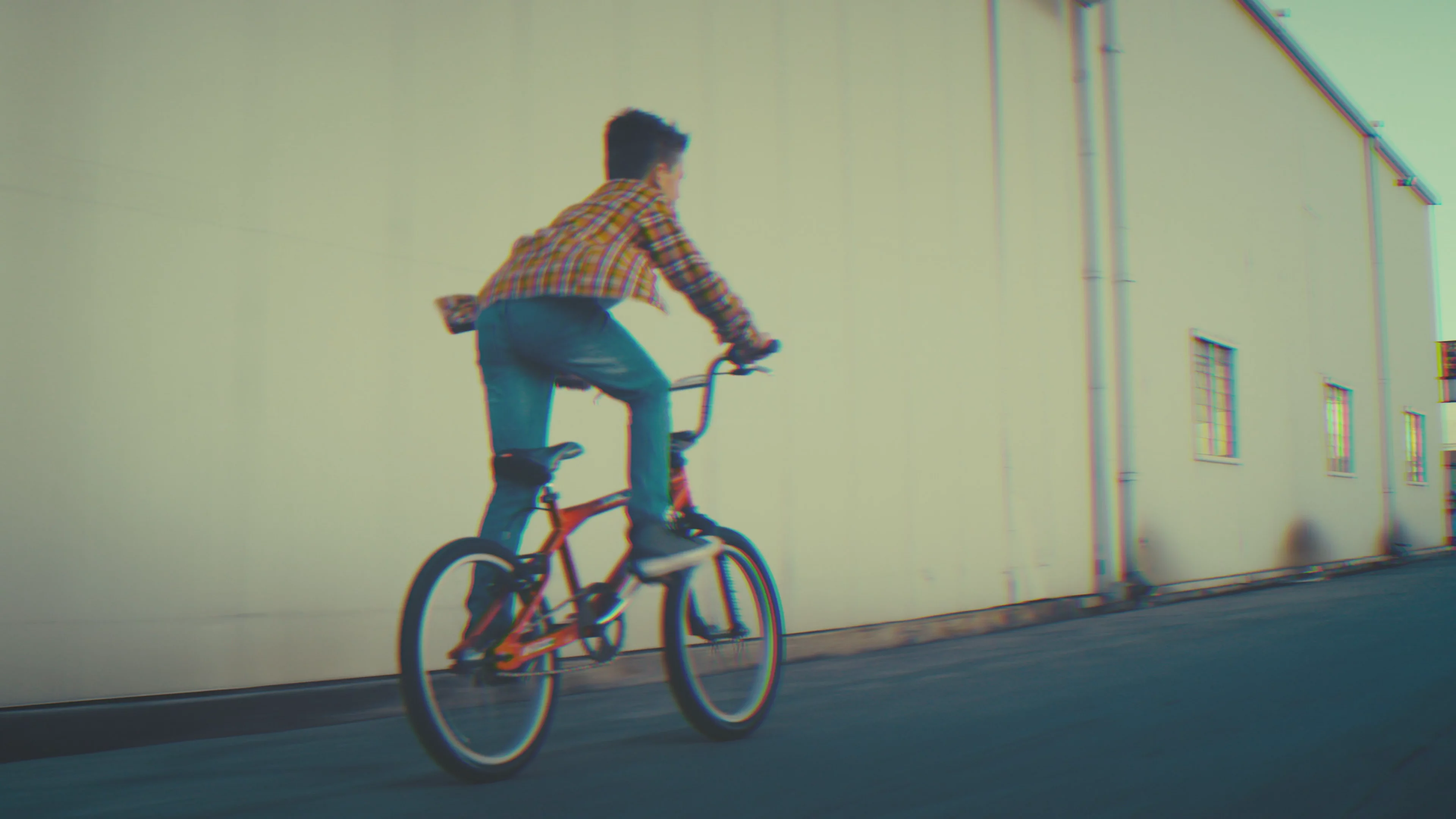
Play
Mute
Selected item
Use bind:index to read or change the visible item.


Keyboard and accessibility
Focus the FlipView and use the arrow keys, Home and End. Hidden items are inert. Name it with aria-label.
Component Props
| Name | Type | Default | Description |
|---|---|---|---|
index bindable | number | 0 | The index of the visible item. |
orientation | 'horizontal' | 'vertical' | 'horizontal' | The direction the items flip in. |
previousLabel | string | 'Previous' | Accessible name of the previous button. |
nextLabel | string | 'Next' | Accessible name of the next button. |
onIndexChange | (index: number) => void | Called when the visible item changes. | |
ref bindable | HTMLDivElement | null | The root element. | |
viewportRef bindable | HTMLDivElement | null | The element that holds and scrolls the items. | |
Element Attributes (div) |